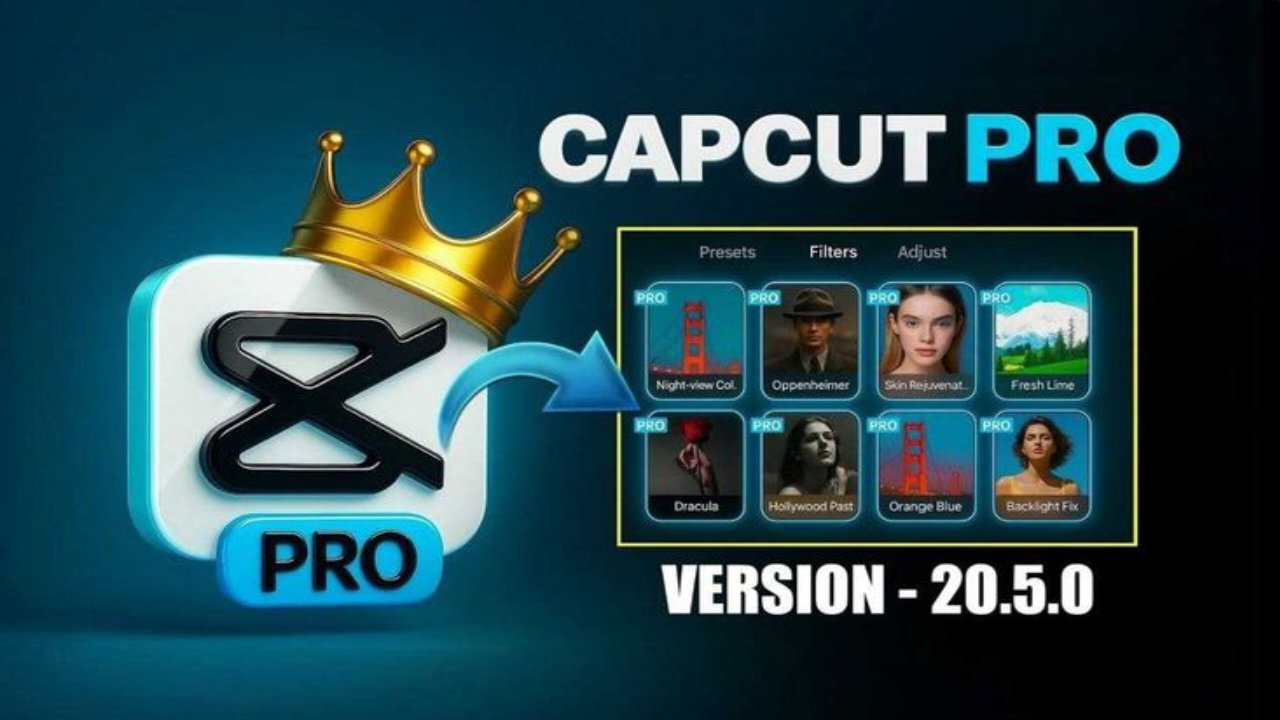
In today’s digital era, video content plays a major role in social media growth. Platforms like YouTube, Instagram Reels, Facebook Shorts, and TikTok demand high-quality and engaging videos. To meet this demand, creators need a powerful yet easy-to-use video editing application. CapCut Pro 2026 New Version is one of the best solutions for both beginners and professional creators.
What is CapCut Pro?
It offers advanced editing tools for free, but CapCut Pro provides premium features that help creators produce professional-level videos. The 2026 version comes with improved AI tools, better performance, and more creative options.
New Features of CapCut Pro 2026
CapCut Pro 2026 introduces several powerful and advanced features:
- AI Auto Video Editing – Automatically creates videos using AI
- 4K and 60FPS Export Support
- No Watermark on Exported Videos
- Premium Effects, Filters, and Stickers
- Advanced Transitions Pack
- AI Text-to-Speech and Voice Over
- Auto Captions (English and multiple languages supported)
- Cloud Storage for Projects
- Background Removal without Green Screen
These features help creators save time and produce high-quality content easily.
How to Get CapCut Pro 2026
There are two main ways to access CapCut Pro:
1. Official Subscription
- Download CapCut from Google Play Store or Apple App Store
- Open the app and tap on Upgrade to Pro
- Choose Monthly or Yearly subscription
- Complete the payment
- All Pro features will be unlocked instantly
2. Free Trial Option
During this period, you can use all Pro features without any cost.
How to Use CapCut Pro (Step-by-Step)
- Open the CapCut app
- Tap on New Project
- Select videos or photos from your gallery
- Arrange clips on the timeline
- Add effects, filters, text, music, and transitions
- Use AI tools for captions or background removal
- Export the video in 1080p or 4K quality
- Share directly to social media platforms
CapCut Pro 2026 Pricing Details
The approximate pricing for CapCut Pro 2026 is:
- Monthly Plan: ₹399 – ₹499
- Yearly Plan: ₹3,999 – ₹4,999
The yearly plan is more cost-effective for regular creators.
Who Should Use CapCut Pro?
CapCut Pro is ideal for:
- YouTube content creators
- Instagram Reels and Shorts creators
- Social media marketers
- Small business owners
- Freelancers and students
Benefits of Using CapCut Pro
- Professional-quality video editing
- No watermark on videos
- Access to trending effects and templates
- Easy-to-use interface for beginners
- Faster editing with AI tools
Final Thoughts
CapCut Pro 2026 New Version is a complete video editing solution for modern content creators. With powerful AI features, premium effects, and smooth performance, it helps users create eye-catching videos effortlessly. Whether you are a beginner or a professional, CapCut Pro can significantly improve your content quality and social media presence.
Click Here