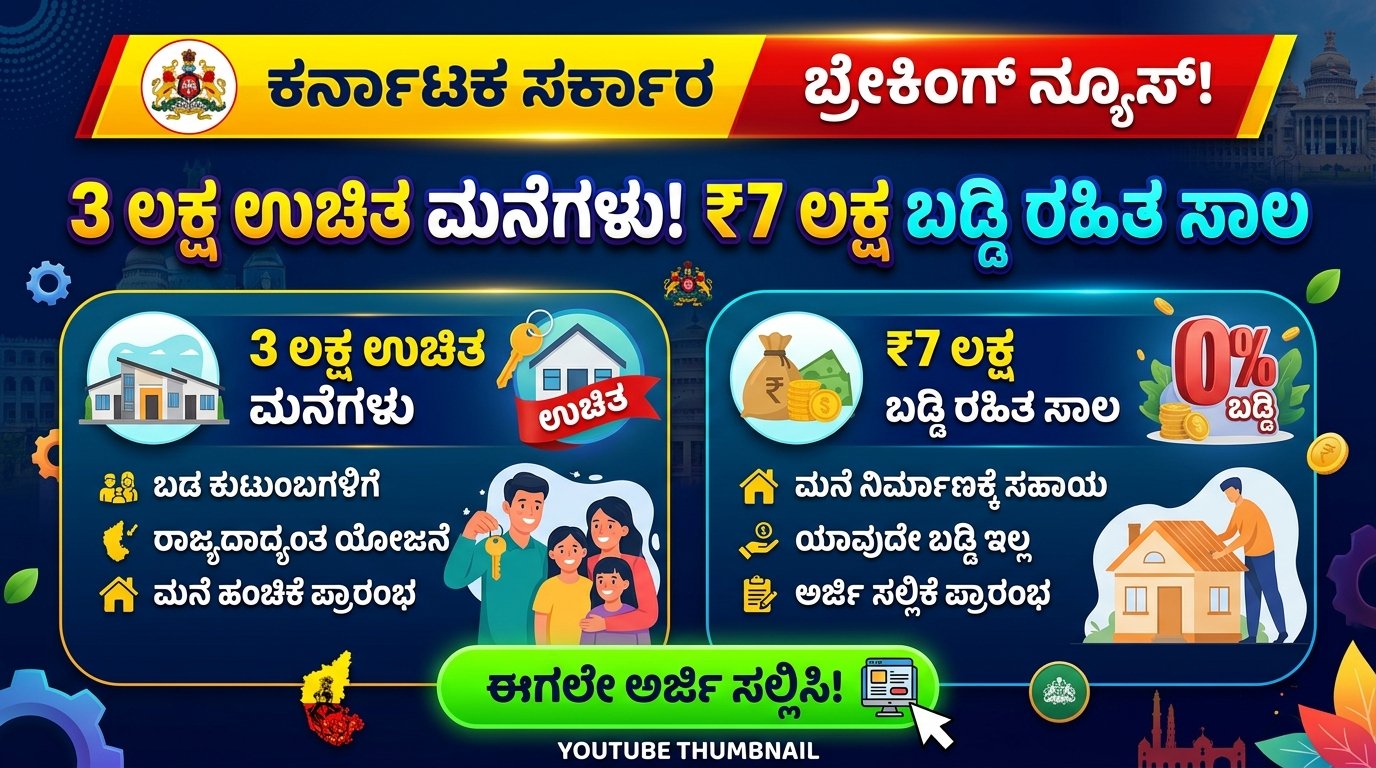
One of the latest innovations in this field is Google Gemini, Google’s advanced AI model designed to compete with tools like ChatGPT and other AI assistants. Recently, Google introduced image generation capabilities in Gemini, allowing users to create stunning images simply by typing a text prompt. This feature is becoming popular among creators, bloggers, designers, and social media users.
What is Google Gemini Image Generation?
Google Gemini’s image generation feature allows users to create AI-generated images using text prompts. A prompt is simply a description of the image you want to generate. The AI analyzes the text and produces a visual image based on that description. This technology makes it possible for anyone to generate professional-quality images without needing advanced design skills.
For example, if you type a prompt like “A cinematic sunset over the mountains with a river flowing through a green forest, ultra-realistic, 4K quality,” Gemini will generate an image matching that description. This makes it useful for blog posts, social media graphics, marketing materials, and creative projects.
How to Write a Good Image Prompt in Gemini
Creating a good prompt is important to get the best results from AI image generators. A well-written prompt usually includes details about the subject, lighting, style, and quality.
Here is a basic structure for writing a good prompt:
- Subject – What is the main object or scene?
- Environment – Where is the scene located?
- Lighting – Daylight, sunset, cinematic lighting, etc.
- Style – Realistic, cartoon, digital art, painting, etc.
- Quality – HD, 4K, ultra-detailed, professional photography.
Example prompt:
“A young traveler standing in front of a large waterfall surrounded by green forest, cinematic lighting, ultra realistic, DSLR photography, 4K resolution.”
Features of Google Gemini Image Generation
The new Gemini image generator comes with several powerful features:
- High-quality AI images generated in seconds.
- Detailed prompt understanding for better results.
- Multiple art styles, including realistic photography, anime, painting, and digital illustration.
- Easy editing and regeneration if you want to change the image.
- Integration with Google ecosystem, making it easier to use in various apps.
These features make Gemini a powerful tool for both beginners and professionals.
Benefits for Content Creators
For bloggers, YouTubers, and social media creators, Gemini image prompts can save a lot of time and money. Instead of searching for stock images or hiring designers, users can quickly generate unique and original visuals. This helps improve the visual quality of blogs, websites, and social media posts.
AI-generated images can also be used for thumbnails, marketing banners, educational content, and digital storytelling.
Conclusion
Google Gemini’s new image prompt feature is a powerful tool that allows users to create stunning visuals using simple text descriptions. By learning how to write clear and detailed prompts, anyone can generate high-quality AI images for blogs, social media, and creative projects. As AI technology continues to evolve, tools like Gemini will make digital creativity more accessible and efficient for everyone.
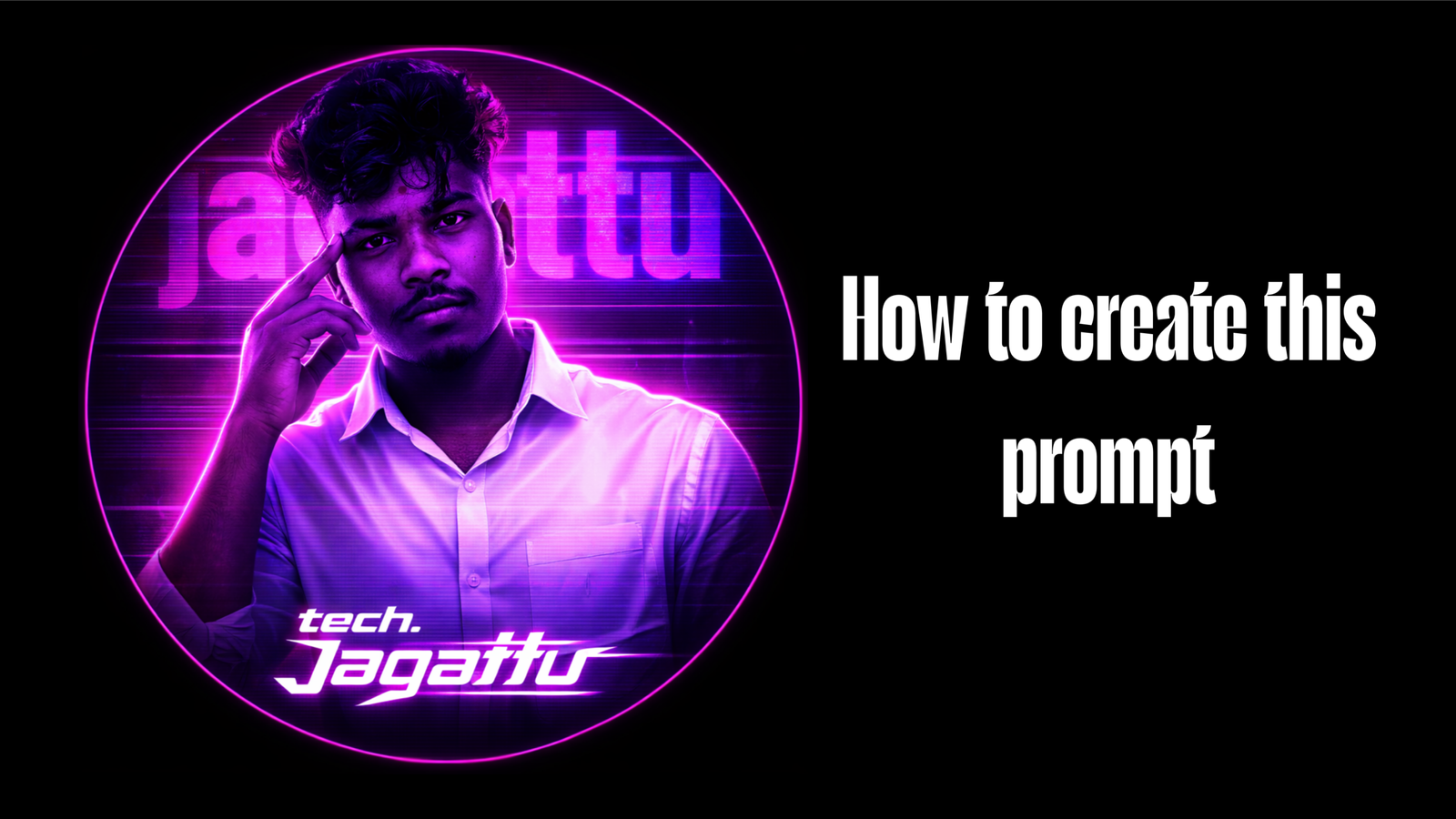
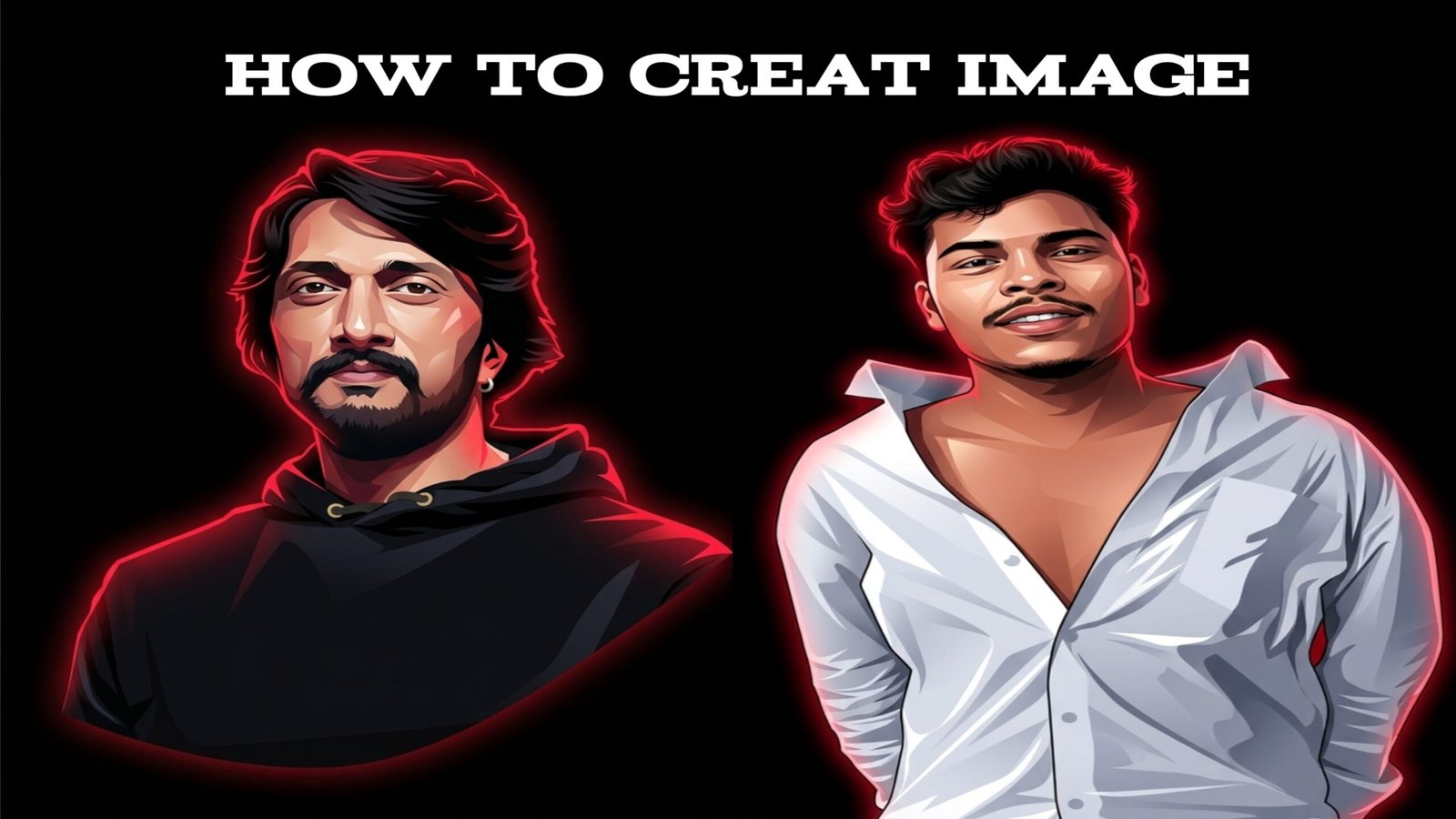
Prompt

Stylize the uploaded image into a high contrast neon vector portrait style while preserving the original face, hairstyle, facial features, expression, clothes, and chain exactly the same. Do not change the identity or redraw the person. Only apply graphic vector shading, sharp highlight shapes, smooth gradient shadows, and dramatic red neon rim lighting around the hair, ears, neck, and shoulders. Add subtle red glow outline, strong contrast lighting, clean black background, cinematic glow effect, modern YouTube thumbnail vector lighting, crisp edges, high detail. Negative Prompt: redraw face, different person, cartoon character, anime style, different clothes, different hairstyle, distorted face, blur, watermark, text