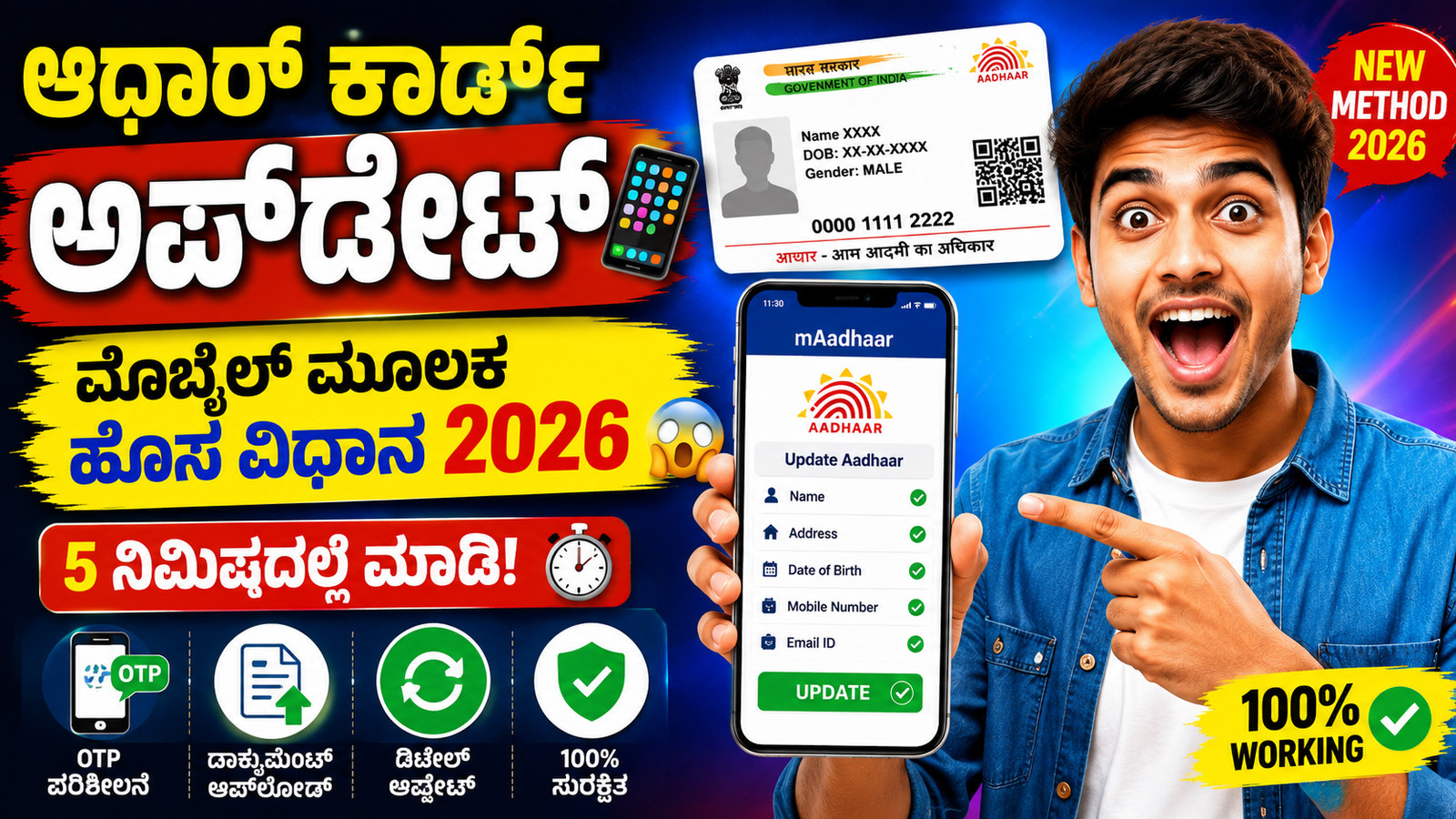
It is used for banking services, government schemes, mobile SIM verification, scholarships, and many other essential services. Sometimes, Aadhaar details like name, address, date of birth, or mobile number may be incorrect or outdated. In such cases, you can easily update your Aadhaar card using your mobile phone through official methods.
Official Apps and Website for Aadhaar Update
To update Aadhaar using a mobile phone, you should use:
- mAadhaar App (Official UIDAI App)
- UIDAI Official Website:
These are safe and government-authorized platforms.
Step-by-Step Process to Update Aadhaar on Mobile
Download mAadhaar App
Go to Google Play Store and download the mAadhaar App developed by UIDAI. Install it on your mobile phone.
Login with Aadhaar Number
Open the app and enter your Aadhaar number. Enter the OTP to log in.
Select “Update Aadhaar” Option
After login, click on “Update Aadhaar” or “Update Demographics Data” depending on what you want to change.
Choose Details to Update
You can update the following information:
- Name
- Address
- Date of Birth
- Mobile Number
- Email ID
Select the required field carefully.
Upload Supporting Documents
You must upload valid supporting documents such as:
- Address Proof (Electricity Bill, Ration Card, Bank Statement, etc.)
- Identity Proof (PAN Card, Voter ID, etc.)
Make sure documents are clear and valid.
Pay the Required Fee
Some updates require a service fee of around ₹50 to ₹100. You can pay using:
- UPI
- Debit Card
- Net Banking
Get URN (Update Request Number)
This number is very important to track your update status.
⏳ How Long Does Aadhaar Update Take?
Aadhaar update usually takes 5 to 15 working days for processing. In some cases, it may take longer depending on document verification by UIDAI.
Important Guidelines
- Always provide correct and valid documents.
- Incorrect details may lead to rejection of your request.
- Do not use unofficial apps or websites.
Conclusion
Updating your Aadhaar card through mobile is now simple and convenient. With the help of the mAadhaar app, you can easily request changes from your home without visiting any center. However, it is important to use only official UIDAI platforms to ensure safety and accurac